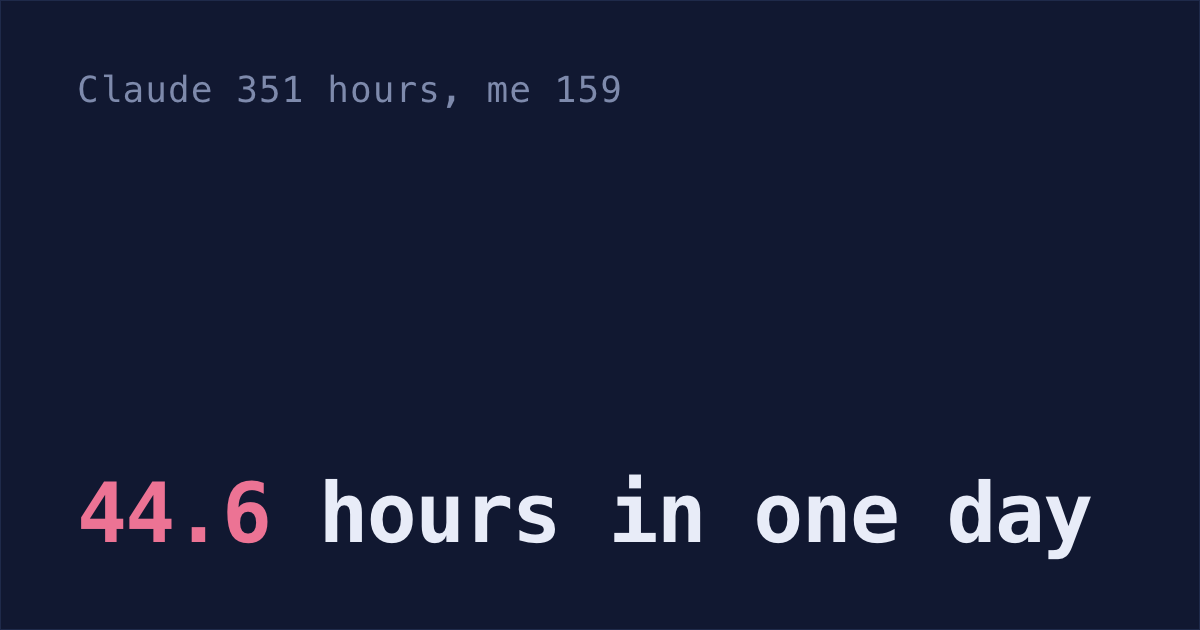
Claude Code comes with two session managers, claude --resume and claude agents, and the desktop app adds a third. None of them can show you a session the 30-day cleanup has already deleted. By September 27 that cleanup had taken almost 9 in 10 of my own conversations: 920 sessions since January, with only 100 transcripts left in ~/.claude/projects.
Claude's replies and every command it ran are gone. That's wild!
So change one setting first, then pick a manager.
Stop the 30-day cleanup first
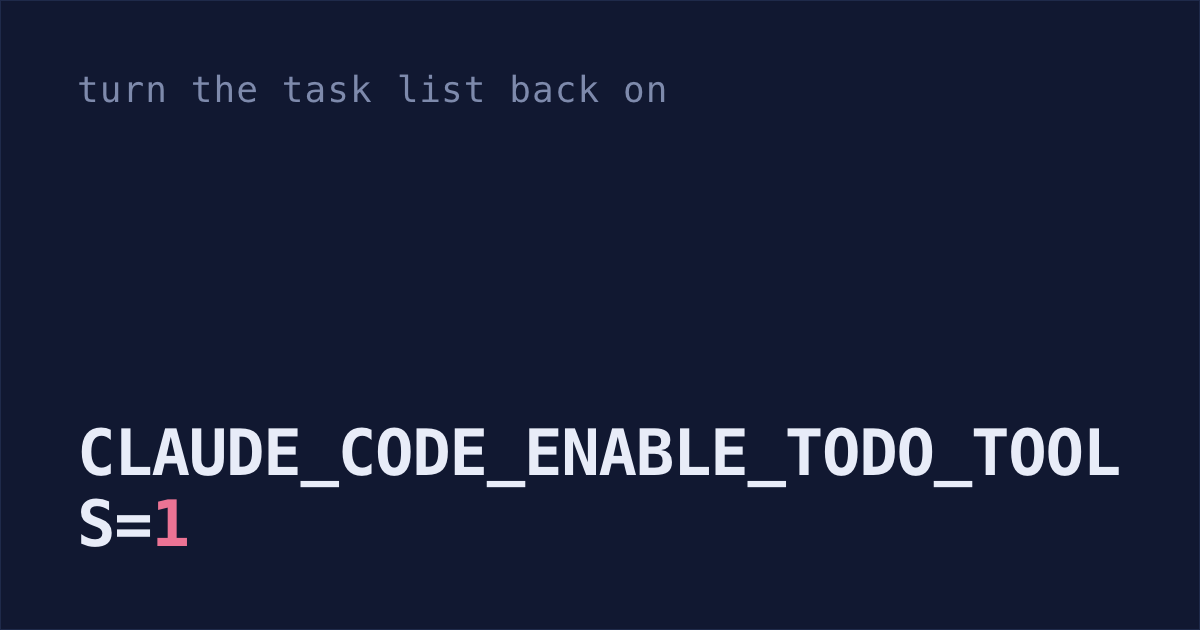
Claude Code deletes a session's transcript once it's more than 30 days old. The setting that controls it is cleanupPeriodDays in ~/.claude/settings.json.
Edit the file by hand first, then start Claude Code: the cleanup runs with a session, so a session you start to make the edit can delete the transcripts sitting at 30 days before your new number is saved. Add this line inside the outer braces of ~/.claude/settings.json, with a comma after the line before it if there is one:
With Claude Code already open, paste this in instead:
Add "cleanupPeriodDays": 3650 to ~/.claude/settings.json. Create the file if it isn't there, and keep every setting that's already in it.Either way, start a new session afterwards. The cleanup runs after a session starts and uses the new number from then on.
3650 days is about ten years. There's no "never": the minimum is 1, and 0 fails validation (what gets cleaned up).
The setting can't bring back sessions that are already deleted. ~/.claude/history.jsonl keeps every prompt you typed, and the cleanup leaves it alone unless your company runs Claude Code under its HIPAA setup, but Claude's side is gone.
To see how much that is, drop history.jsonl into this free page: it counts your sessions and hours by project, reading the file in your browser and uploading nothing.
Where your other sessions stand:
- The VS Code extension keeps its own session list, but its transcripts sit in
~/.claude/projectslike the terminal's, so this setting covers them too. - Sessions you started or last continued in the Claude desktop app are kept at any age by default, on Claude Code v2.1.248 or later (docs). Continue one in the terminal and the 30-day rule applies to it again.
- Sessions on claude.ai/code are stored online, not on your computer.
For a second copy in a folder of your own, see why did my Claude Code sessions disappear?
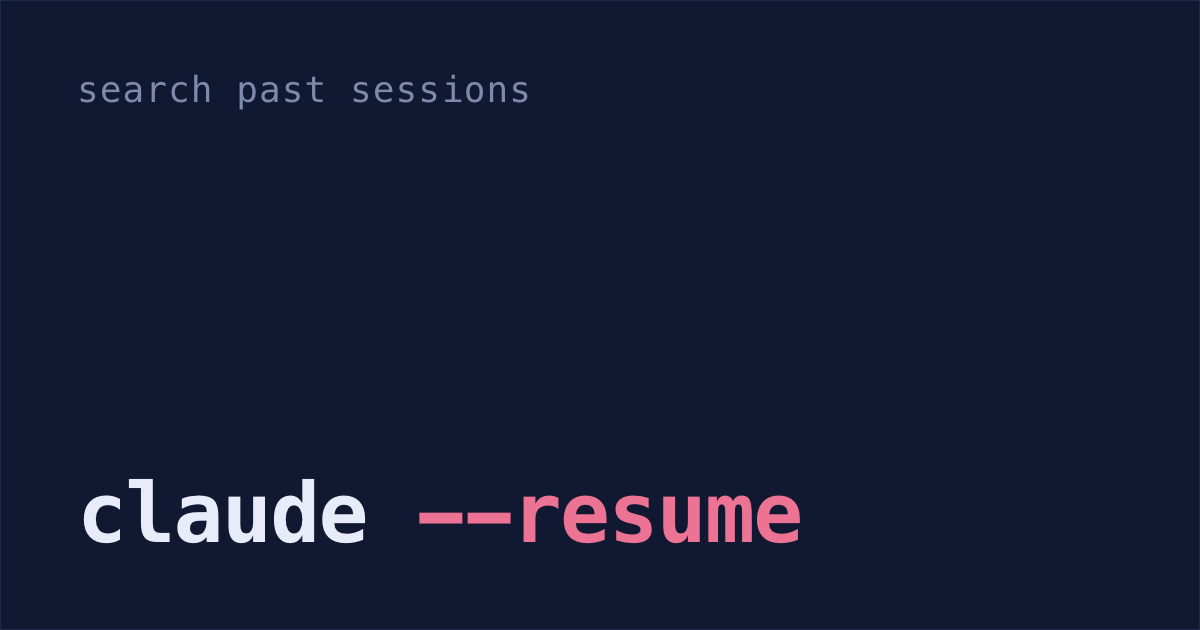
Search past sessions with claude --resume
Run claude --resume in your shell, or /resume inside a session, to open the session picker. Each row shows the session's name (or a title Claude wrote from your first prompt), when you last used it, its git branch and its size.
The keys worth knowing:
- Type
/, or any letter exceptjandk, to search. Paste a pull request URL to find the session that opened it. Spacepreviews a session before you open it.Ctrl+Ashows sessions from every project on your computer, not just this folder.Ctrl+Bshows only sessions from the branch you're on.Ctrl+Rrenames the highlighted session.
Naming a session saves the searching. Start one with claude -n auth-refactor, or type /rename auth-refactor inside it. Next time, claude --resume auth-refactor from that repo's folder opens it straight away.
Two more ways in: claude --resume <session-id> works from any folder, and claude --from-pr 123 finds the sessions linked to pull request 123. It's all in Anthropic's sessions docs.
Agent view: every background session in one list
Run claude agents to open agent view, which groups your background sessions by state. Any you've pinned with Ctrl+T sit at the top, then the two groups waiting on you. "Ready for review" holds sessions whose pull request needs review or has a failing check. "Needs input" means Claude is waiting on something only you can give it, like an answer or a yes to run a command.
Spacepeeks at a session. If it's asking a question, you can answer right there.Enteropens it, and Claude posts a short recap of what happened while you were away.- Type a prompt at the bottom to start a new background session. From your shell,
claude --bg "fix the login bug"does the same.
Background sessions keep running after you close the terminal. In a git repo, before one edits any files, Claude moves the session into its own copy of the repo, called a git worktree, in .claude/worktrees/. That way each session writes to its own copy.
One gap: sessions open in your other terminal tabs don't show up. Type /bg in one to move it into agent view. If you'd rather keep a session in its tab, start it with claude --worktree feature-auth, so it gets its own copy the way a background session does. There's a full setup in how to manage multiple Claude Code sessions.
Sidebar and split view in the Claude desktop app
If you'd rather click, the Claude desktop app lists your sessions in a sidebar. Hover over a heading there for the Group and sort icon; the last row of that menu, View all, is where the Archived tab lives. Turn on Worktree in the row under the prompt box to give a session its own copy of the repo. Option-click a session to open it beside the current one, or Cmd-click for a window of its own.
Third-party session managers
Every tool called a Claude Code session manager does one of two jobs: it reads the sessions you already have, or it runs several agents at once.
| Tool | What it is | What it adds |
|---|---|---|
| claude-code-history-viewer | Free, open-source desktop app | Browse and search every past session, with token and cost stats. It reads Codex, Cursor and Gemini CLI history too, and says the desktop app uploads no conversation data |
| claude-code-session-manager | Free, open-source command-line and terminal app | List and inspect sessions by project, and delete one with everything it left in ~/.claude: its to-dos, plan, transcript, file history and paste cache |
| ccmanager | Free, open-source terminal app | Run Claude Code, Codex, Cursor Agent, Gemini CLI, Copilot CLI and five more side by side, each in its own git worktree, and create, merge or delete those worktrees without leaving it |
| claude-squad | Free, open-source terminal app | Run many agents at once, each in its own tmux session and git worktree |
| Conductor | Mac app | Run Claude Code, Codex and Cursor agents side by side, each in its own workspace |
| Paradev, formerly Superset | Desktop app, source on GitHub under the Elastic License: free to run and to self-host for your team, but you can't resell it as a service | Runs agents in parallel on your own subscription, with terminals, code review and browser previews in one window |
claude-code-history-viewer, like any tool that reads your history, can only show transcripts that still exist, so set cleanupPeriodDays before you rely on it. Tools like it can also break after a Claude Code update. Anthropic's docs say the entry format "is internal to Claude Code and changes between versions, so scripts that parse these files directly can break on any release."
For the other agents on their own: how to resume a Codex session, how to resume a Gemini CLI session and where Cursor chat history is stored.
Half-done work spread across sessions
Every tool above lists sessions, but one feature can take several sessions spread over a week. So on Monday morning, git is what tells you where you left off: the branches you never merged, your open pull requests, and worktrees you forgot about.
Paste this into Claude Code in each repo:
Find the work I left half done in this repo. Don't change anything.

1. Find the default branch (usually main), then list branches not merged into it, newest first, putting that branch in place of <default>: git for-each-ref --sort=-committerdate --no-merged=<default> refs/heads
2. List my open pull requests: gh pr list --author "@me"
3. List git worktrees: git worktree list

For each one, read its diff against the default branch and tell me in one line what it was for and what's left. Put the one I should pick up first at the top.
To reopen the session behind one of those branches, run claude --resume in that repo and press Ctrl+W to list sessions from all its worktrees. Each row shows the session's branch. The prompt works one repo at a time, and it can't bring back a session that's already deleted. I wrote about doing this job by hand across projects in Claude Code project management.
Four steps that keep sessions findable
- Set
cleanupPeriodDaysto 3650, editing the file by hand before you start Claude Code. Name anything you'll come back to, then open it by name next time:
claude -n auth-refactor
claude --resume auth-refactor
Start parallel work in the background and check on it in one list, instead of clicking through terminal tabs:
claude --bg "fix the login bug" claude agents- On Monday, paste the half-done-work prompt above in each repo you touched last week.
Shabash, the Mac app I'm building, reads your Claude Code, Cursor and Codex sessions and sorts them into threads, one for each piece of work. To try it, book a 30-minute call.