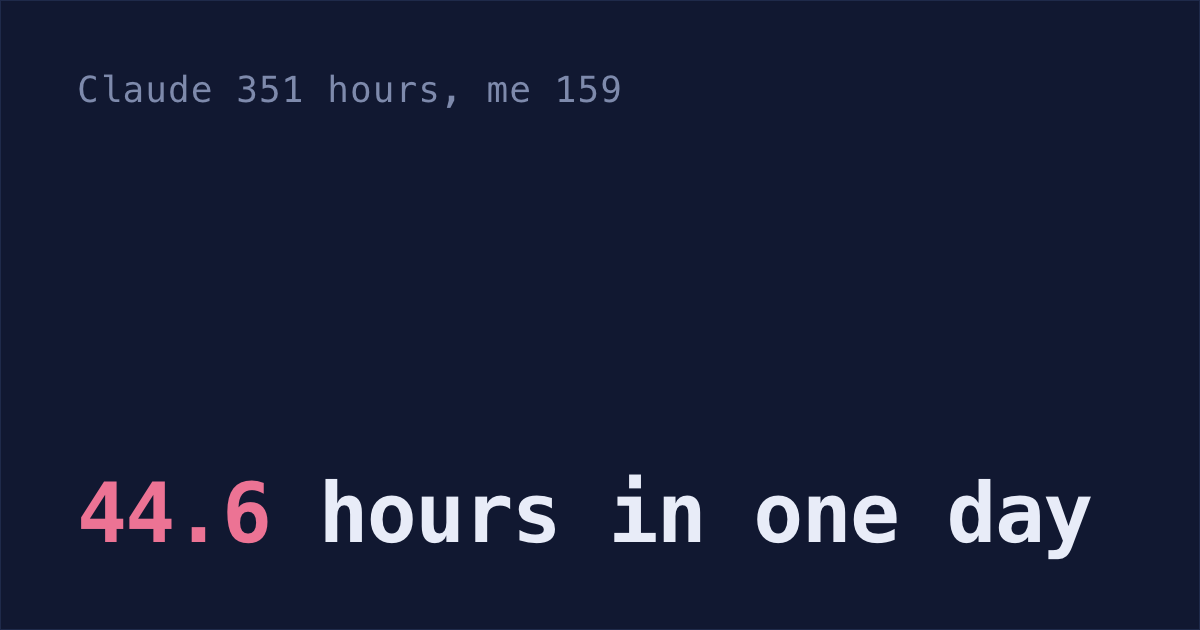
From September 20 to 27, I made over 600 commits in about ten repos. That's a lot to piece together when someone asks what shipped.
Loose ends in session transcripts
A session that stops halfway is the only place its loose end is written down: Claude's last question, the test that failed, the step it planned next. Close the tab and it's out of sight, and 30 days later Claude Code deletes a terminal session's transcript too.
The checklist in the session won't hold it for you either: Claude Code's todo list stopped showing up on Opus 4.8 and every model since, so unless you turned it back on there's nothing in it to read.
Setup: a setting, two skills and a git log command
Nobody keeps a project list up to date by hand for long, so everything below has Claude read what's already on your machine. You set it up once, and after that it's one command a day and two a week.
1. Keep transcripts longer than 30 days
If ~/.claude/settings.json doesn't exist yet, create it with this:
If it already has settings, ask Claude Code to add this one for you. Claude Code deletes transcripts after 30 days by default, and this keeps them for about ten years. (On v2.1.248 or later, sessions you started or last continued in the Claude desktop app or Cowork are kept at any age, unless you set desktopSessionCleanupPeriodDays or your company's managed settings set cleanupPeriodDays.) Why did my Claude Code sessions disappear? covers what else the cleanup deletes.
2. Save a /left-open skill
Save this as ~/.claude/skills/left-open/SKILL.md:
Swap my-main-repo for your own top project. Now each morning you type /left-open in Claude Code and say yes when it asks to read ~/.claude/projects. It reads the transcripts after the fact, so a session you closed halfway, with nothing written down, still shows up.
Reopen the ones at the top first. Each line has a session ID, and this reopens it from any folder on Claude Code v2.1.223 or later (on older versions, run it from the project's folder):
claude --resume <session-id>If you run several sessions at once in one repo, how to manage multiple Claude Code sessions covers keeping their changes apart.
3. Count your hours per project
Claude Code saves every prompt you type in the terminal, with its time and project, in ~/.claude/history.jsonl. The 30-day cleanup doesn't touch this file.
Save this as a second skill, ~/.claude/skills/hours/SKILL.md, and run /hours once a week:
Say you prompt in repo A at 10:00 and in repo B at 10:05: repo A gets 5 minutes, so two sessions running at once don't count twice. If your next prompt is at 11:30, the 85-minute gap is a break, and repo B gets 4 minutes, not 85.
If you'd rather not set up a skill, open your history.jsonl in Claude Code stats, a free page on my own site. It does the same math in your browser over all your history, and the file never leaves your machine.
4. Write the Friday update from git log
When someone asks what you shipped this week, your commits already have the answer. From the folder that holds your repos (swap ~/code for yours):
cd ~/code
for d in */; do git -C "$d" log --all --since="7 days ago" --author="$(git config user.email)" --format="${d%/}: %s" 2>/dev/null; done \
  | claude -p "Turn these commits into up to 5 plain bullets for a Slack update. Say what each change does for users, not how."
claude -p runs one prompt, prints the answer and exits, so you can paste it straight into Slack.
If a repo also has a worktree or a second clone in that folder, the loop sends its commits twice. In my run, a worktree of one repo sent almost 300 commits twice.
Desktop, web and deleted sessions
Sessions on claude.ai/code run in the cloud, so /left-open won't find them on your Mac.
The VS Code extension and the Claude desktop app are likely covered. The VS Code docs say "The extension and CLI share the same conversation history", and Claude Code keeps the transcripts of desktop-app sessions in ~/.claude/projects. But the sessions docs also say the desktop app, claude.ai/code and the VS Code extension "each maintain their own session history", so check on your own Mac.
/left-open reads the files, so look for the file. Copy a few words you typed in that app and search for them:
grep -rl "a few words you typed in the app" ~/.claude/projectsIf a .jsonl file comes back, /left-open can read that conversation. Don't check with the claude --resume list: it leaves out some sessions whose files are still there.
Transcripts deleted before you raised cleanupPeriodDays are gone for good. Only the prompts you typed are left, in history.jsonl.
/left-open and /hours are manual versions of what I'm building Shabash to do. It's a Mac app that lists what each of your sessions left open, with one button to open Claude Code on it, and shows where your hours went.