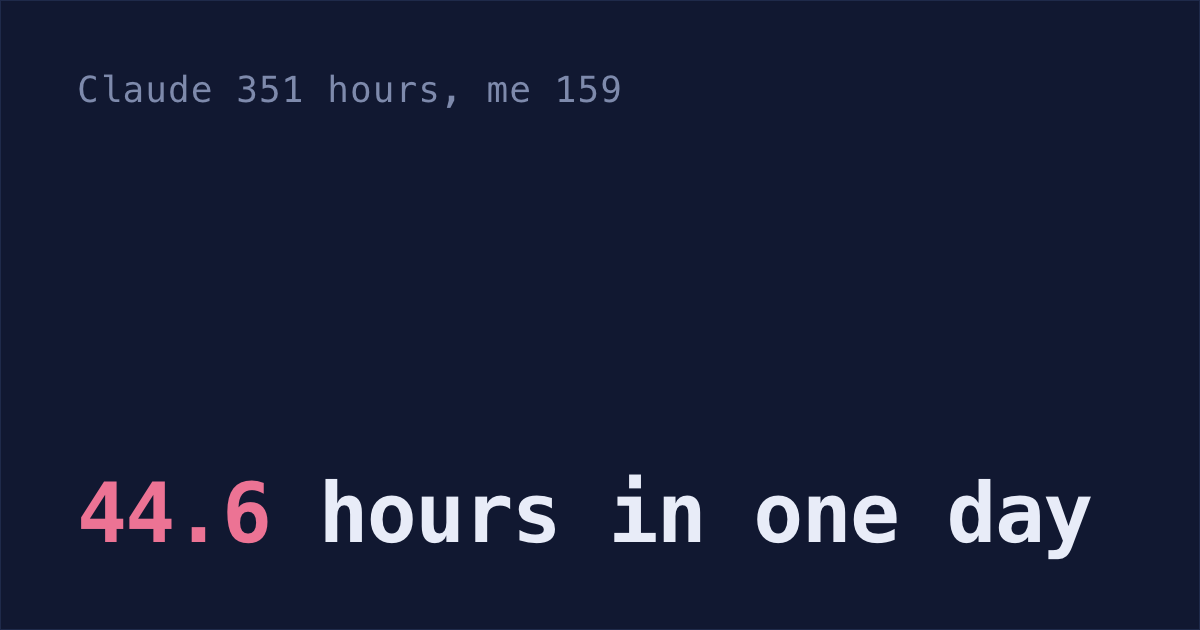
Claude Code worked 44.6 hours for me on Friday 9 Oct. I worked 7.9.
Up to 10 of my sessions were working at the same moment, and each one's time counts.
Since 3 Sep, the oldest transcript I still have, Claude has worked 351 hours and I've worked 159. More than twice mine! Ten sessions at once is more than I can keep in my head, which is why I'm building Shabash, a Mac app that makes sure the work Claude starts gets finished and shipped.
You can count yours with one prompt. Claude Code already keeps everything it needs in ~/.claude.
Timesheet prompt for Claude Code
Paste this into Claude Code in any folder. Claude writes one Python script, runs it, and shows you the output. The prompt tells it to only read files: change nothing, install nothing.
Make me a timesheet of my Claude Code hours next to Claude's, from the files in ~/.claude. Only read files: change nothing, install nothing. Write one Python script (standard library only), run it, and show me only its output, in a code block.

Claude's hours: for each transcript ~/.claude/projects/*/*.jsonl (not the subagents folders), sort its "user" and "assistant" lines by timestamp. A turn starts at a prompt I typed: a "user" line, not isMeta, whose message content is text (a string, or a list with no tool_result) and doesn't start with "<". Inside a turn, add the time from each line to the next line, but not the gap that ends at my next prompt (that's me reading and typing), and skip any gap over 15 minutes (Claude was waiting, not working). Sessions that ran at the same time each count.

My hours: the prompts in ~/.claude/history.jsonl (timestamp is in ms) whose sessionId has a transcript. Sort them all together. Each counts the time to my next prompt in any session, or 4 minutes if that's over 15 minutes or it's the last one, so each minute counts once.

Each stretch goes on the local day it started, and in the project of its session (the last folder of the transcript's first cwd). The dates run from the oldest transcript to the last day with any hours. Weeks start on Monday, oldest first, showing at most the last 8; the totals and projects cover all of it. Hours to one decimal, · for a day under 0.05, blank for days outside the dates. Busiest is the day with the most Claude hours. Projects: the 5 where Claude worked longest, names cut to 16 characters. Print exactly this layout, with a ─ rule above every week:

CLAUDE CODE TIMESHEET   7 Sep – 10 Oct 2026

week of         Mon   Tue   Wed   Thu   Fri   Sat   Sun   total
───────────────────────────────────────────────────────────────
28 Sep you      4.0   3.7   5.2   3.8   4.0     ·     ·    20.7
       claude   7.4   8.1  13.0   6.9  11.9     ·     ·    47.3
───────────────────────────────────────────────────────────────
5 Oct  you      4.2   4.3   4.6   5.7   4.0   3.3          26.0
       claude  10.3  11.2  10.1  14.6   6.3   6.7          59.2
═══════════════════════════════════════════════════════════════
you        91.5 h
claude    187.1 h   2.0× yours
busiest  Thu 8 Oct   claude 14.6 h, you 5.7 h

top projects         you   claude
  billing-api       33.8     74.5
  web-app           24.1     48.7

Starts at your oldest transcript. Claude Code deletes a transcript 30 days after its session was last used, unless cleanupPeriodDays in ~/.claude/settings.json is raised.
The numbers in the example layout are from made-up history, so you can tell the example apart from your own output. Week totals are added up before rounding, so a total can be 0.1 off the days above it.
I tested the prompt in fresh Claude Code sessions, on made-up history and on mine, and checked each answer against a script I wrote myself. On the made-up history, every number matched but one project's, 24.0 hours against 24.1. On mine, the prompt said 351 hours for Claude and my script said 352.7, under 1% apart. The 351 in this post is the prompt's answer.
Claude's hours: from your prompt to its last line
Every Claude Code session has a transcript at ~/.claude/projects/<project>/<session>.jsonl, one line per message, tool call and result, each with a timestamp. Claude's time is the time between those lines, from your prompt until its last line before you type again.
Any gap over 15 minutes is left out, because a gap that long is usually Claude waiting on you, such as a permission prompt you left overnight. A single command that ran longer than 15 minutes is also left out, so the count can come out a little low.
Sessions that run at the same time each count in full. That's how one day can hold 44.6 hours.
Your hours: each minute counted once
Your prompts are in ~/.claude/history.jsonl, with the time and the session. The script sorts all of them into one stream, across every session.
Each prompt counts the time until your next one. If the next one came more than 15 minutes later, you were away, so the prompt counts a flat 4 minutes instead. Five sessions open at once still count each of your minutes once.
Only sessions that still have a transcript count, so both columns cover the same sessions.
Subagents, desktop chats and older sessions
These aren't counted:
- Subagents, as separate time. Their work already sits inside the turn that started them.
- Claude desktop chats and claude.ai.
- Sessions whose transcript Claude Code has already deleted.
cleanupPeriodDays: keep more than a month
Each time a session starts, Claude Code deletes transcripts that haven't been written to in 30 days. Sessions started or last continued in the Claude desktop app or Cowork are kept. Your prompts stay in history.jsonl, but Claude's side is gone, so the timesheet starts at your oldest transcript. When I ran it on 13 Oct, mine started on 3 Sep, a session I'd last used on 20 Sep.
To keep transcripts for ten years, add "cleanupPeriodDays": 3650 to ~/.claude/settings.json, next to any settings already there. Does Claude Code delete your old sessions? has a one-line command that adds it for you, and shows how to count the transcripts you've already lost.
Then run the prompt again next month, and your timesheet will have two months on it.