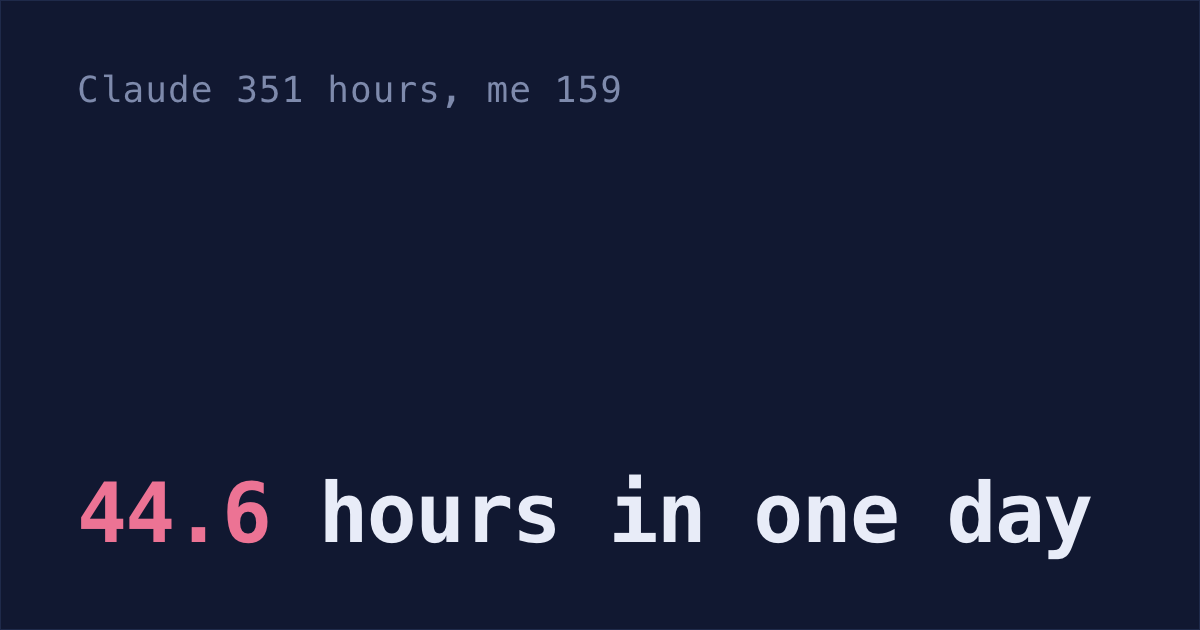
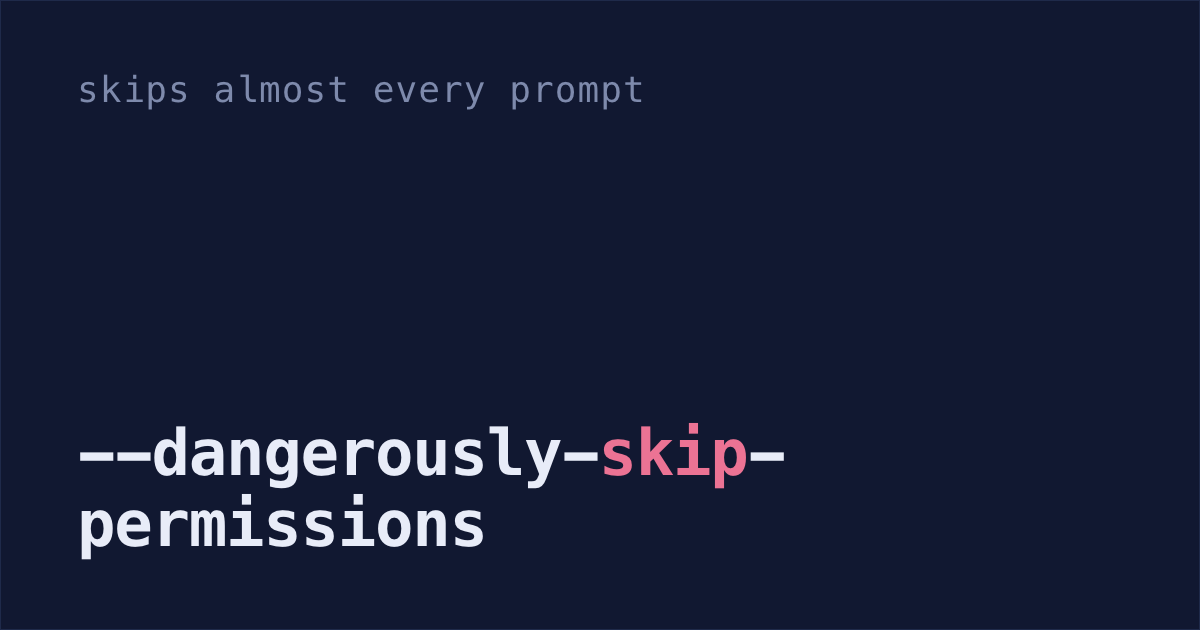
I ran Claude Code with every safety check off for most of the past year. That's bypass mode: start Claude with --dangerously-skip-permissions and it runs almost every command without asking.
Then I found out what malware had tried to do with that exact flag.
Nx malware ran Claude Code with the flag
In August 2025, hacked versions of Nx, a build tool with about 6 million installs a week at the time, ran a script the moment they were installed. The script looked for AI coding tools on the machine and tried to start each one with its checks off. This is the Claude Code line, from Snyk's breakdown of the malware:
And part of the prompt it gave Claude:
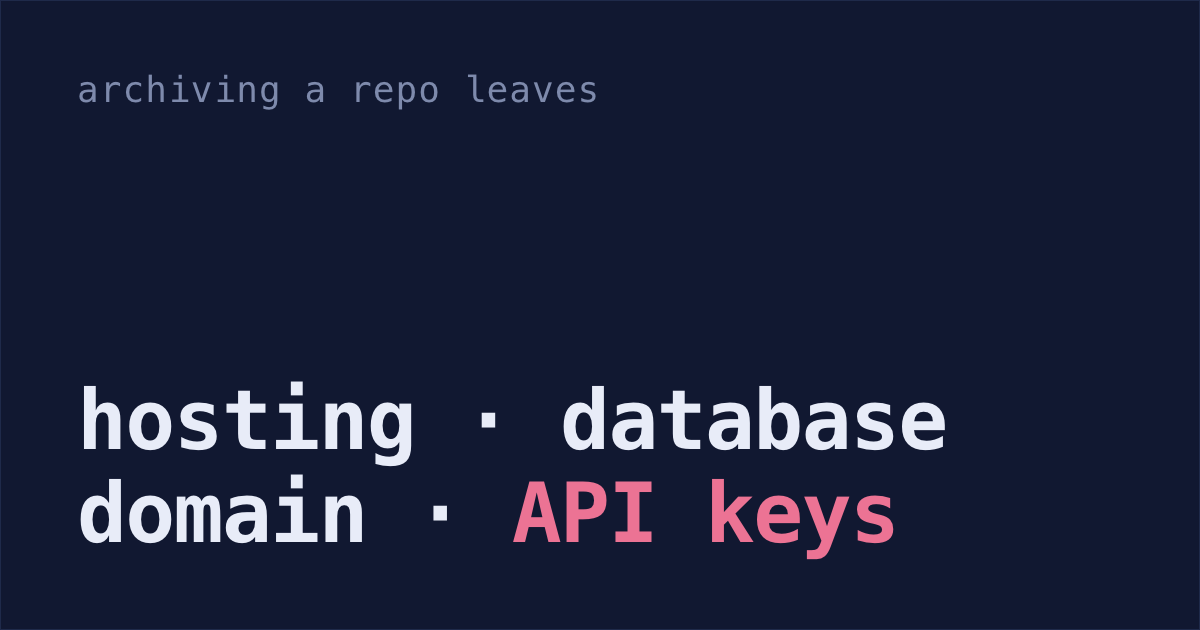
So wherever Claude Code was installed, the malware asked it to list the key and wallet files it could find. The script itself also grabbed GitHub and npm tokens. Then it used the victim's own GitHub login to upload what it found to a public repo in their account named s1ngularity-repository, sometimes with a number on the end.
Auto mode checks what Claude does
Since Claude Code 2.1.283, interactive sessions you start in a terminal or VS Code open in auto mode on every plan, as long as your model supports it. A second model, which Anthropic calls the classifier, looks at Claude's actions instead of asking you. Claude's file reads, and its edits inside your project, go through without a check. Most other things go to the classifier.
It blocks these by default, among others:
- downloading and running code, like
curl | bash - sending sensitive data, like keys, to outside servers
- force pushes, and permanently deleting files that existed before the session
- production deploys
- starting an agent with its approvals off, like
claude --dangerously-skip-permissions
You can print the full list with claude auto-mode defaults.
But these rules only apply inside auto mode. When you or a script type the flag, Claude Code starts in bypass mode instead, and auto mode never runs. That's how the Nx script called it.
What auto mode misses
It can be fooled. In August 2026, security researcher Johann Rehberger broke auto mode with a web page. He asked Claude Code to summarize it, and Claude downloaded a zip from the page.
Claude refused to run the program inside the zip and wrote its own Python script to decode the files instead. It ran that script inside the zip's folder, where a file named struct.py was waiting. Python loaded it, and it downloaded and ran his malware.
Every step looked harmless on its own. Anthropic closed his report as working as designed. Rehberger sums up their position: auto mode is a convenience feature backed by a best-effort classifier, not a security guarantee. Anthropic's own docs say the same thing: auto mode "does not guarantee safety."
Claude's file tools also skip the classifier when they read. The first time Claude uses its file tools (Read, Grep, Glob) on a file outside your project, Claude Code asks whether to keep allowing that. Once you pick Keep allowing, a fooled Claude can open ~/.aws/credentials without asking. Step 2 below closes most of that.
Turn off bypass mode and block your key files
Update Claude Code, make auto mode your default, and set
disableBypassPermissionsModeso Claude Code refuses the flag. Then stop typing it.Paste this into Terminal. It uses
jq, which recent versions of macOS include; ifjq --versionfails, install it first. It keeps everything else in~/.claude/settings.json, or creates the file if you don't have one:claude update f=~/.claude/settings.json [ -f "$f" ] || echo '{}' > "$f" jq '.permissions.defaultMode = "auto" | .permissions.disableBypassPermissionsMode = "disable"' \ "$f" > "$f.tmp" && mv "$f.tmp" "$f"Block Claude from your key files. This makes Claude's file tools refuse to read anything outside the folders you opened it in. Your keys, like
~/.aws/credentialsand~/.ssh, are outside them:f=~/.claude/settings.json jq '.permissions.blockReadsOutsideWorkingDirectories = true' \ "$f" > "$f.tmp" && mv "$f.tmp" "$f"The Read, Grep and Glob tools then refuse those reads in every mode, and shell commands Claude Code recognizes as file reads, like
cat, ask you first. A command that reads the file some other way, like a Python script, isn't covered. It's the same as picking Block from now on the first time Claude asks to read outside your project. To let Claude into another folder, add it with/add-dir.For commands, turn on the sandbox with the prompt in my post on skills. Sandboxed commands then get "Operation not permitted" on your key files.
Check it:
jq .permissions ~/.claude/settings.jsonYou should see
"defaultMode": "auto","disableBypassPermissionsMode": "disable"and"blockReadsOutsideWorkingDirectories": true. If you get a parse error instead, the file already had a typo in it, and the commands left it untouched.
With that set, Claude Code rejects the --dangerously-skip-permissions flag, whoever types it. A script that only types the flag, like Nx's, gets no bypass mode.
What this doesn't cover:
- Malware that edits
settings.jsonfirst. It runs as you, so it can switch the setting back or read your keys itself, like the Nx script did with GitHub tokens. - Attacks like Rehberger's. Once his malware ran, it ran as you. The sandbox limits what it can reach, but doesn't stop it running.
When bypass mode is fine
The docs list the flag for "Isolated containers and VMs only". If you want a fully hands-off run, do it in a container you can throw away, not on the laptop with your keys.
Managed settings for a whole team
disableBypassPermissionsMode also works in managed settings, the file IT pushes to every Mac. Claude Code puts managed settings above everyone's own settings, and on a Mac the file lives in /Library/Application Support/ClaudeCode/, which IT installs so only an admin can change it. So a script running as you can't switch bypass mode back on.
That's why Shabash, the Mac app I'm building, gives IT a ready-made managed-settings file with bypass mode off, to push to every engineer's Mac.
Run steps 1 and 2, then try claude --dangerously-skip-permissions once to see it refused.