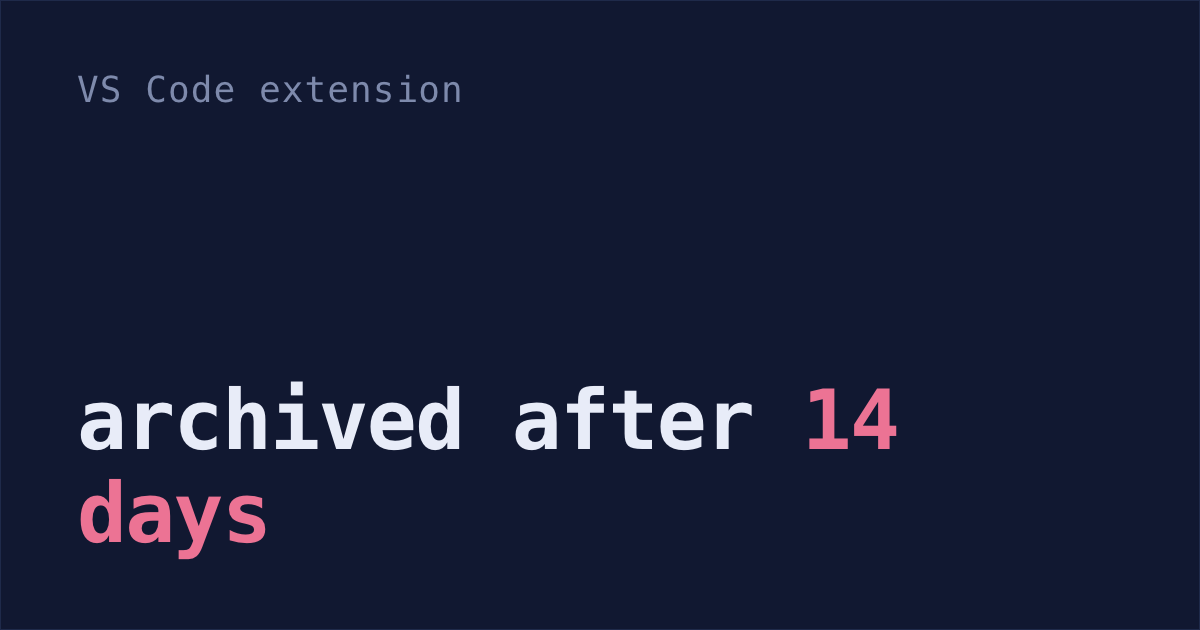
The Claude Code extension in VS Code hides chats you haven't used in 14 days. It moves them to Archived sessions, a group at the very bottom of the history list, where it's easy to think they're gone.
They're still on your disk, but not for long. Once a chat's file is more than 30 days old, Claude Code deletes it in a cleanup that runs in the background after you start a session. After that, neither VS Code nor the terminal can open it.
Anthropic's docs only say a file goes once it's older than 30 days. On my Mac, that seems to count from the last time the chat's file changed, which is usually the last time you used it. Every chat I started more than 30 days ago that's still there has a file that changed in the last 30 days. So a chat that was just archived probably has about two weeks left.
When I counted my own history on September 27, that cleanup had already deleted the conversations from 820 of my 920 sessions (what I found).
Archived sessions, at the bottom of Session history
- Click the Session history button at the top of the Claude Code panel.
- Scroll to the bottom and expand Archived sessions.
- Click Unarchive session.
To bring every archived chat back at once (Claude Code v2.1.277 or later):
- Click the Spark icon in the Activity Bar, the strip of icons down the far left of VS Code.
- Hover over the Archived sessions header in that list.
- Click its unarchive icon.
The extension doesn't archive a chat that's open, unread, or in a group you made. Automatic archiving started in v2.1.265 (Anthropic's VS Code guide).
If you ran the chat on claude.ai/code instead, it's under the Web tab in the same Session history window. That tab needs a Claude.ai subscription sign-in, and in a GitHub repo it only shows that repo's sessions.
Chats deleted before v2.1.257 come back if under 30 days old
Before v2.1.257, Delete session didn't delete anything. It only hid the chat, with no way to undo it. After you upgrade, those chats show up under Archived sessions. Nice!
That only works while the chat's file is still on disk. The 30-day cleanup doesn't care that a chat was hidden, so if you haven't used it in more than 30 days, its file is most likely gone already.
Renamed folders and worktrees hide chats too
Claude Code saves each chat in a folder named after the project folder it ran in, with every /, dot, space or other character that isn't a letter or number turned into a hyphen. A chat in /Users/me/my-app is saved here:
~/.claude/projects/-Users-me-my-app/<session-id>.jsonlA bug report on extension v2.1.259 says the extension's list only looks in the one folder that matches the project you have open (#91780). So a chat can vanish from the list while its file sits right there on disk. Two ways this happens:
- You renamed or moved the project folder. The old chats stay filed under the old path (#86713).
- Partway through a chat, Claude switched to working in a git worktree, a second copy of the repo in its own folder. The chat's file is then saved under that worktree's folder, not the one you have open in VS Code. The same report says that after a reload, the extension doesn't look there (#91780).
claude --resume with Ctrl+A searches every project
The terminal's picker looks further than the extension does.
Open a terminal and run:
claude --resumeIf it says
command not found, that's because the extension brings its own private copy of Claude Code and doesn't addclaudeto your terminal. Install it once, open a new terminal, and runclaude --resumeagain:curl -fsSL https://claude.ai/install.sh | bash- Type to search.
- Press
Ctrl+Ato see chats from every project on your computer. In a repo with more than one worktree,Ctrl+Wshows chats from all of them. - Pick a chat. If it's from another project, Claude Code copies a
cdand resume command to your clipboard for you to paste. If that project's folder no longer exists because you renamed or moved it, Claude Code resumes the chat in your current folder instead (how the picker works).
cleanupPeriodDays keeps chats for years
Archiving only hides chats. The 30-day cleanup is what actually deletes them, so that's the one to change.
Paste this into Claude Code:
Add "cleanupPeriodDays": 3650 to ~/.claude/settings.json. Keep everything else in the file as it is, and show me the file afterwards.Or add the line yourself, inside the outer
{ }of that file, with a comma between it and the line before:That keeps chats for about ten years, for the extension and the terminal alike. The files take more disk space as they pile up.
A value your company sets wins everywhere. The same key in a project's
.claude/settings.jsonor.claude/settings.local.jsonwins over yours when you start a session in that project. But the cleanup that session runs covers every project on your computer. So a smaller value in one repo can delete chats from all of them.- If you'd rather have one long list, turn archiving off. In VS Code settings, search for "Archive Inactive Sessions" and pick Never. For just a few chats you care about, right-click one in the Activity Bar list and create a group. Grouped chats aren't archived.
None of this brings back a chat whose file is already gone. More on the 30-day cleanup.
Shabash, the Mac app I'm building, keeps its own copy of the sessions you typed in, VS Code included, so the 30-day cleanup can't take them, and reopening one from Shabash brings it back.